Resources / Project Documentation
How to Review a Glass-Lined Equipment GA Drawing
A practical review sequence for checking equipment identity, arrangement and identified interfaces before a quotation, layout review or replacement discussion.
Use the drawing with its revision record and related project documents. Record unclear items for confirmation.
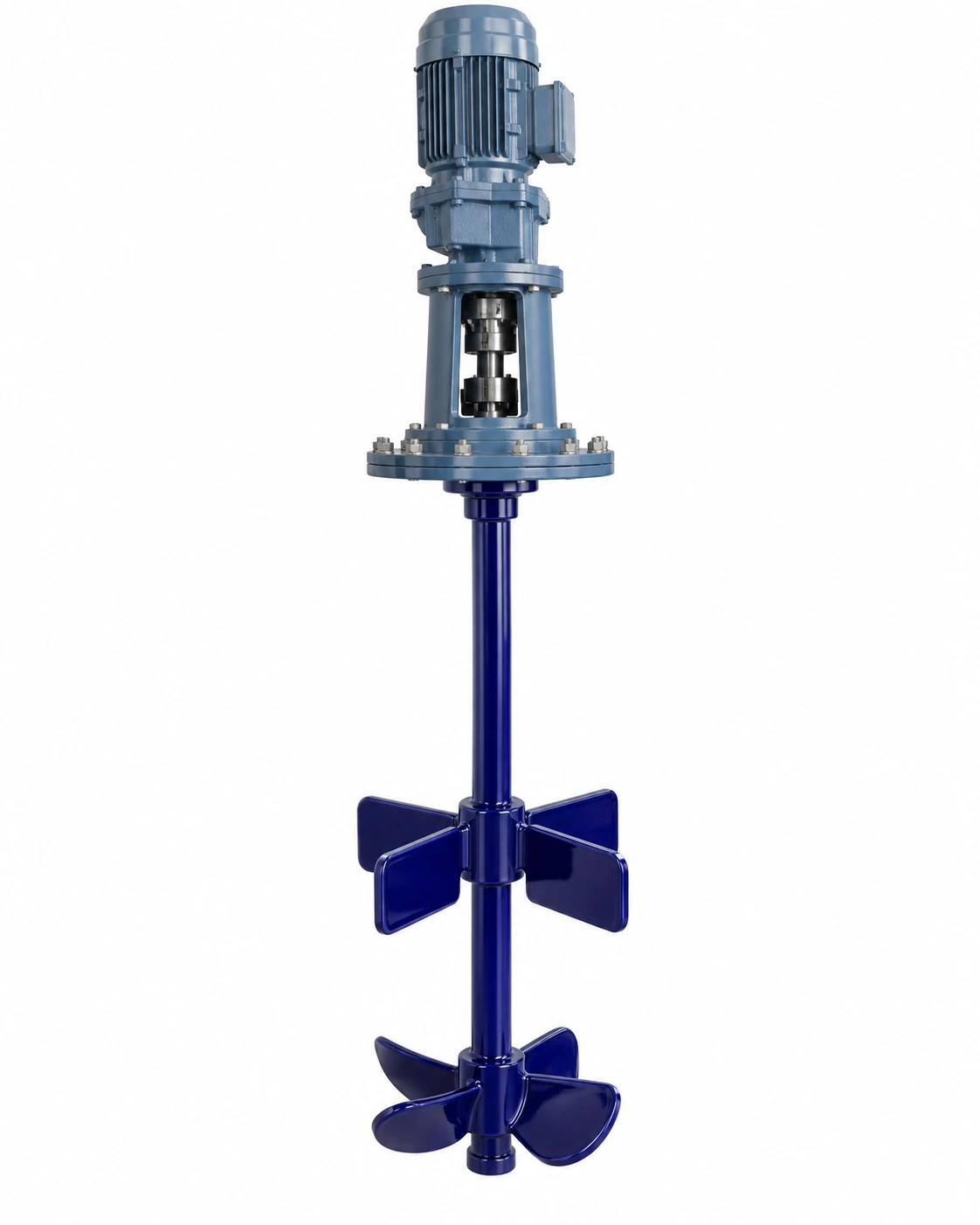
A general arrangement (GA) drawing helps project, engineering and purchasing teams discuss the equipment layout and the interfaces identified for a specific project. Drawing scope, detail and approval status can vary, so review the document with its title block, revision information and related project records.
Confirm the equipment identity and drawing revision first. Then review the views, dimensions, orientation and interfaces that are actually identified. Compare them with the information available for the plant, and list missing details as open questions instead of estimating them from the image.
Review sequence only. This graphic is not an equipment drawing or a representation of project dimensions.
On this page
1. Confirm the drawing identity and status
Before using a drawing for a quotation, layout review or replacement discussion, check that it refers to the correct equipment and project.
Match the equipment
Check the equipment tag or reference against the project record.
Check the revision
Read the drawing number, revision and issue date shown on the document.
Read the stated status
Note whether the drawing is marked for review, approval, information or another stated purpose.
Confirm the working copy
If several versions exist, identify which one the project team treats as current.
A familiar-looking drawing may still be an earlier revision. Keep superseded information separate from the document currently used for review, and check that units, view references and notes are readable.
2. Review the overall arrangement
Use the views and dimensions provided to understand the equipment arrangement. Depending on its scope, a GA drawing may show overall dimensions, elevations, orientation, support locations or related equipment interfaces. Confirm each item from the drawing itself rather than assuming it is included.
Installation envelope
Compare stated dimensions with the available installation area and known access restrictions.
Orientation and references
Check equipment orientation and the reference points used on the drawing.
Mounting and nearby items
Review supports, base details and nearby equipment where these are shown or supplied.
Access and handling
Include plant access, transport route and handling constraints identified by the project team.
3. Check the identified connections and interfaces
List the connections and interfaces shown on the drawing and compare their identifiers with the relevant project documents. Depending on the supplied drawing, these may include process connections, utility interfaces, agitation or drive interfaces, access points, supports or connected equipment.
For each item that matters, record its drawing label, the corresponding process or equipment reference, any stated orientation, and whether the detail is confirmed, unclear or not shown.
Do not infer a connection size, facing, material, pressure rating or nozzle arrangement when it is not stated. Request the applicable schedule, drawing or written confirmation when the detail affects design or installation.
4. Compare a replacement drawing with the installed equipment
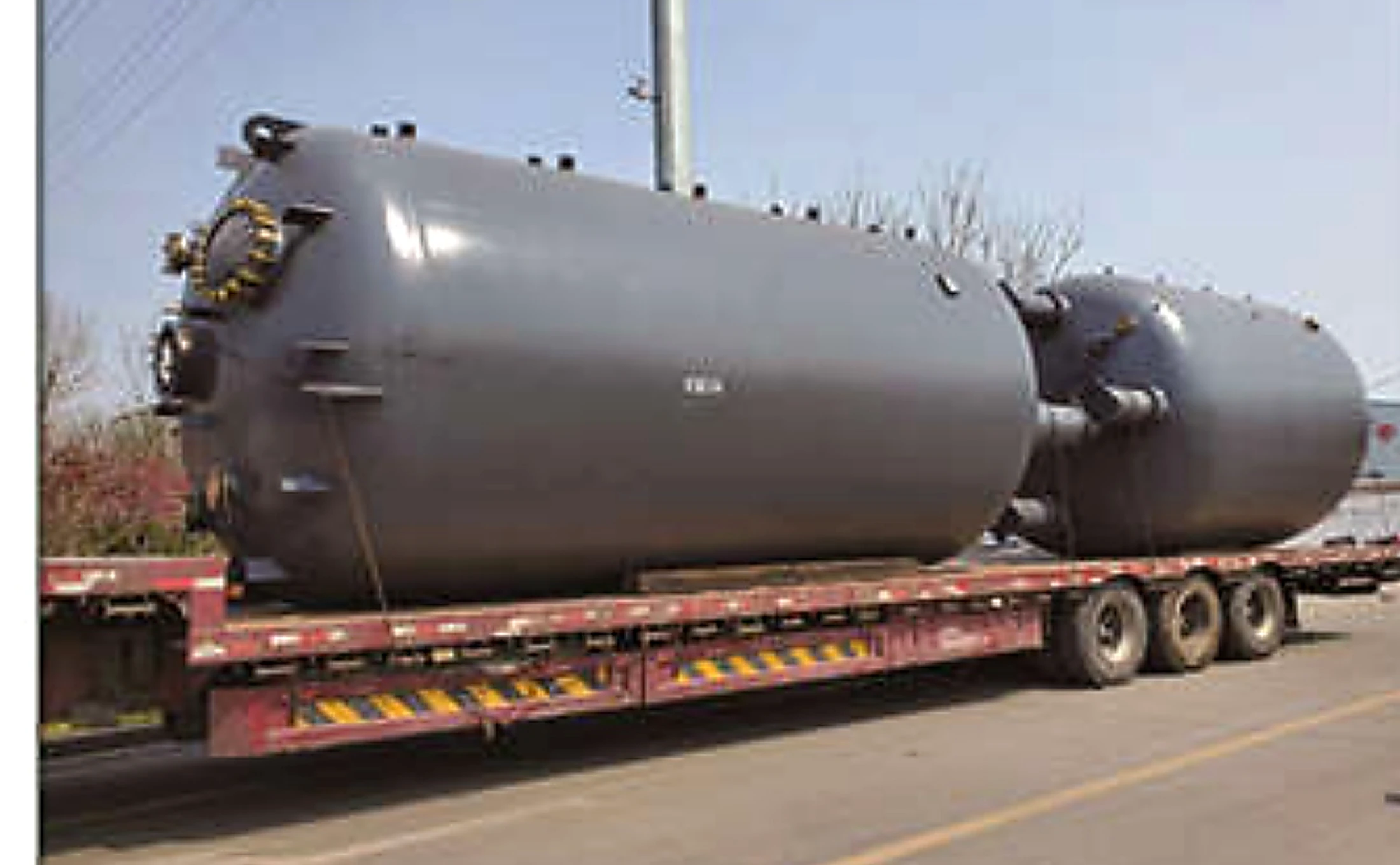
For a replacement project, separate the features that must remain compatible from those that may change. Compare the current drawing with available nameplate information, photographs, the existing specification and measured plant interfaces.
- Equipment identity and revision differences.
- Connection locations or orientation details that need confirmation.
- Support, access or installation constraints known at the site.
- Changes in process duty or operating conditions since the existing unit was installed.
- Information missing from the legacy drawing.
Do not treat an old drawing as proof that the current process basis or every existing interface remains unchanged.
5. What to send for a drawing review
Send the clearest current drawing available and identify its revision. Helpful supporting information can include:
If a detail is unavailable, label it as unknown. A review can begin with partial information as long as missing items are not treated as confirmed values.
Common GA drawing review mistakes
- Using a superseded revision without noticing the revision history.
- Measuring from a screenshot or estimating dimensions that are not stated.
- Assuming every connection or internal detail is included in a GA drawing.
- Treating an arrangement drawing as a complete manufacturing or process specification.
- Comparing an old drawing with a new requirement without recording what has changed.
- Mixing confirmed information with estimates or assumptions.
Frequently asked questions
Is a GA drawing enough to request a quotation?
It is a useful starting document for arrangement and interface discussion, but it may not define process duty, operating conditions, complete equipment scope or documentation requirements. Send the information available and identify open items for technical clarification.
Does every GA drawing show all nozzle details?
No. Drawing content depends on the document scope. Use the labels and details actually shown, then request the applicable schedule or project document when a needed connection detail is absent.
Can an existing equipment drawing be reviewed if the original datasheet is missing?
Yes. The review can start with the available drawing, equipment photographs, nameplate information and known process context. Record missing information for confirmation.
Can I scale a PDF drawing to obtain an unlisted dimension?
Do not use a screen measurement as a confirmed project dimension. Use dimensions identified in the document or request confirmation from the responsible project or equipment source.
What should I do if two drawing revisions do not match?
Keep both versions identifiable, note the differences and confirm which revision is current for the intended review. Do not combine details from separate revisions without confirmation.
Need a drawing reviewed against a project requirement?
Send the available GA drawing, its revision information and the process or installation questions you need to resolve. GLP can start from the information available and identify items that need confirmation.
Discuss a Drawing Review →