
RESOURCES / EQUIPMENT IDENTIFICATION
Glass-Lined Reactor Nameplate Data Guide
A practical guide to photographing a reactor nameplate, recording the information it actually shows and checking it against the right project records.
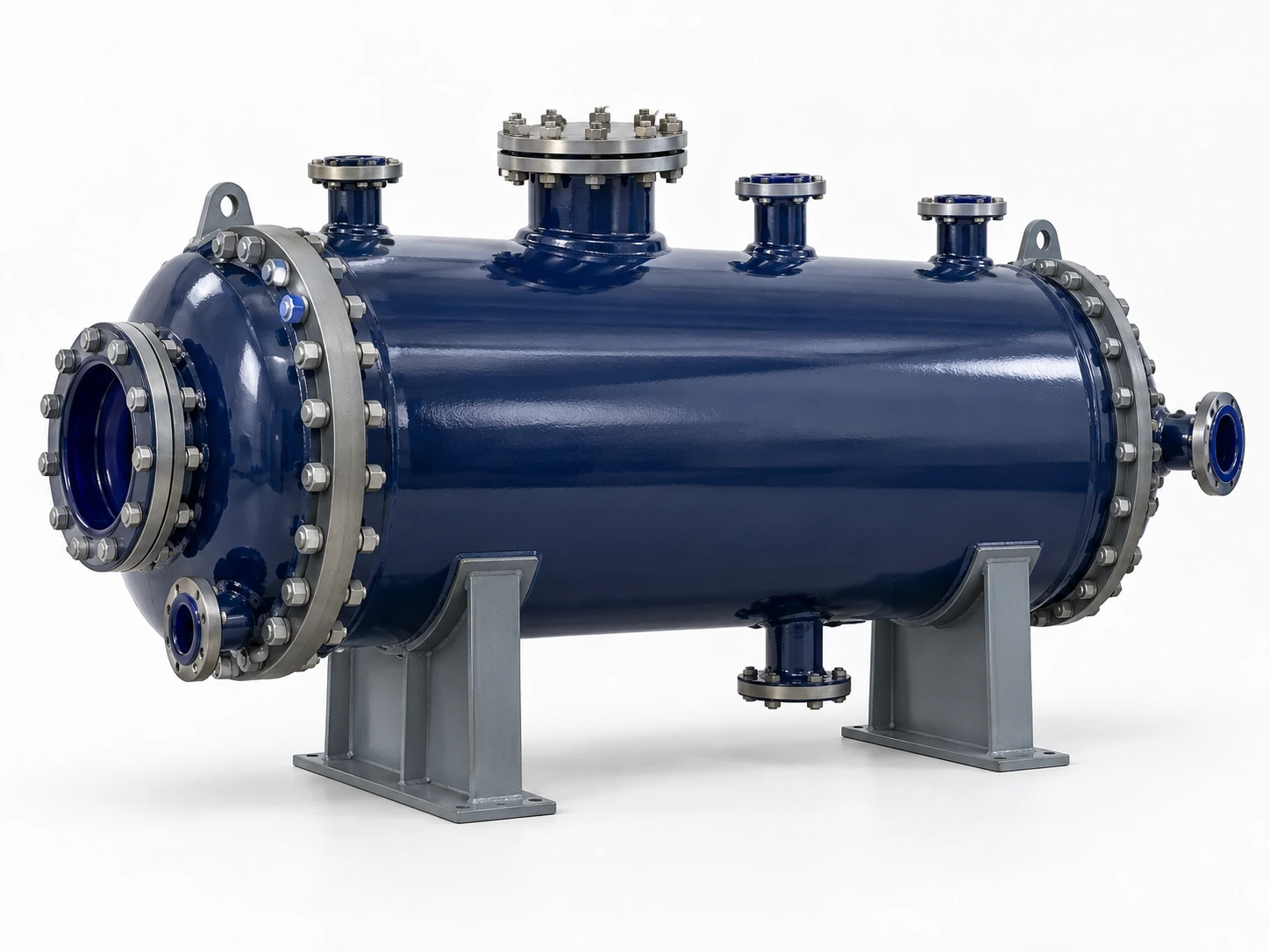
A glass-lined reactor nameplate can help identify the vessel and record information marked for that equipment. The exact fields vary by equipment, manufacturer, project and applicable requirements. A nameplate is a starting record: it does not replace an approved data sheet, general arrangement drawing, inspection record or review of current process conditions.
Photograph the vessel plate clearly, transcribe each visible value with its units, and keep vessel, motor and gearbox labels separate. Cross-check the transcription with current project documents. Never fill in a missing value by estimating from a photograph or from a similar model.
1. Identify which equipment label you are reading
A vessel, motor, gearbox and instrument can each have a separate plate or label. Before transcribing anything, record which component the label belongs to and how that component is associated with the reactor.
Review sequence graphic only. It is not a sample nameplate and contains no project equipment data.
Vessel plate or equipment tag
Use this for the reactor’s own identification and the information marked for the vessel. A project tag may be displayed separately from the manufacturer’s plate.
Motor or gearbox plate
Use this for that drive component’s own identification and ratings. Do not treat motor or gearbox information as the vessel’s design data.
If it is unclear which component a label belongs to, include an overall equipment photo and describe the label location. Do not merge data from separate plates into one record.
2. Record only the fields that are visible
Depending on the plate and equipment, visible information may include some of the categories below. Not every plate contains every item, and field names or units may differ.
Equipment identity
Manufacturer, model or type
Transcribe the name and model exactly as marked. Keep abbreviations, punctuation and letter-number combinations intact.
Traceability
Serial number, year or reference
Record a serial number, manufacture date, equipment tag or document reference only when it is legible and clearly associated with the vessel.
Vessel information
Capacity or stated design values
Volume, pressure, temperature or other design information may appear on some plates. Copy the marked value and unit exactly; do not assume a blank field is zero or not applicable.
Drive components
Motor or gearbox ratings
Voltage, frequency, speed or power may be marked on a separate motor or drive label. Identify the component before recording these values.
3. Cross-check the plate with project documents
Use each source for the information it is intended to provide. When two records disagree, keep both identifiable and ask which revision or record controls the review.
Nameplate or equipment tag
Supports identification and records the values actually marked on that specific component. It may be incomplete, damaged or difficult to read.
Approved data sheet or specification
Provides the defined project basis and scope. Confirm document status and revision before using it for a current review.
GA drawing
Supports arrangement and the interfaces shown on that drawing. It may not include every operating or manufacturing detail.
Manufacturing and inspection records
Can provide traceable manufacturing, inspection or repair information when available. A plate alone does not confirm present lining condition.
For a drawing-focused review, see the Glass-Lined Equipment GA Drawing Review Guide. For broader records and handover, see Glass-Lined Equipment Technical Documentation.
4. Take photos that make the plate readable
A useful photo set shows both the plate detail and its relationship to the equipment. Keep separate plates in separate photos and label the component in your notes.
- Take one overall photo showing the vessel and where the plate is located.
- Take a straight-on close-up of the complete plate, including its edges and fasteners.
- Use even light and focus so stamped or engraved characters are legible.
- Photograph motor and gearbox labels separately, with the component visible where possible.
- Keep units, decimal points, prefixes and suffixes inside the frame.
- Mark unreadable characters as unclear; do not guess them from context.
If the plate is obscured, damaged or missing, send the clearest available image and state what cannot be read.
5. Use nameplate data carefully in a replacement review
For an existing reactor, the plate can help the team locate related drawings and records. It cannot by itself prove that the old process basis, operating conditions, interfaces or lining condition still apply to a replacement project.
- Match the visible equipment identity to site records and any available drawing.
- Check that the data sheet and drawing are the revisions intended for review.
- Compare known process requirements and interfaces with current project information.
- Record changes in duty, installation constraints or connected equipment.
- Use inspection and repair records to discuss lining condition; do not infer it from the plate.
- List missing or conflicting details for confirmation before a configuration is finalized.
When the original data sheet is unavailable, the review can still begin from the plate, photos, drawings and known process context. The missing information should remain visible as an open item.
Common nameplate data mistakes
Frequently asked questions
Does every glass-lined reactor nameplate show pressure and temperature?
No. Plate content varies. Record only what the actual plate states, then check the project specification or approved data sheet for any value needed but not shown.
Can a nameplate confirm that the glass lining is in good condition?
No. A nameplate identifies or describes marked equipment information; current lining condition requires relevant inspection and repair records or an appropriate inspection.
Can a motor nameplate be used to identify the reactor?
It identifies the motor or drive component. Use the vessel plate, equipment tag and supporting records to identify the reactor itself.
What if the reactor nameplate is unreadable or missing?
Send clear photos of the vessel, any remaining labels and the installation context, plus available drawings or specifications. Mark uncertain information as unknown so it can be checked against other records.